




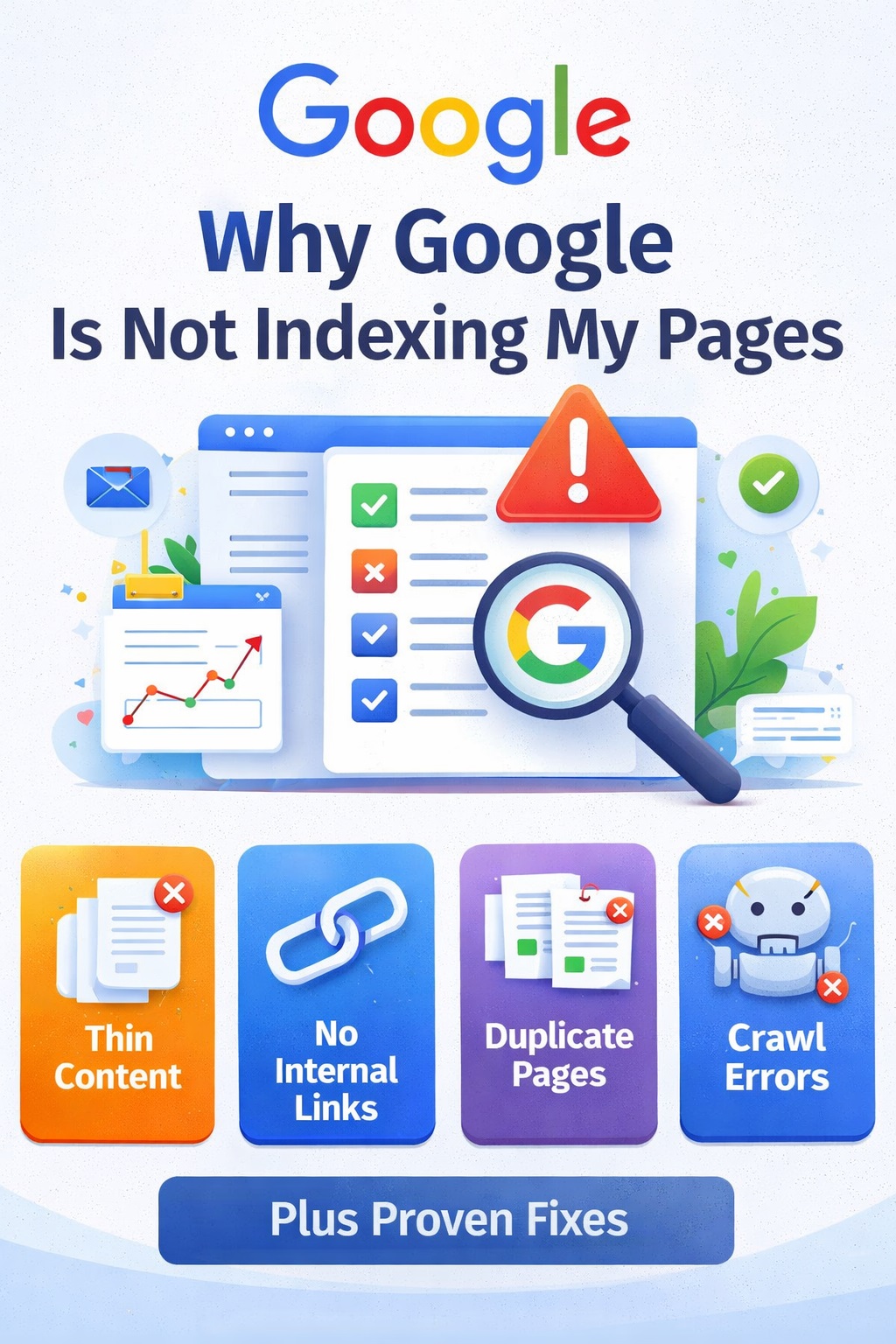
Why Google Is Not Indexing My Pages (Complete Guide + Real Fixes)
If you’ve published content but your pages are still not showing on Google, it can be frustrating — especially when everything looks fine from your side.
Many website owners face this issue where:
- Pages are submitted
- Google crawls them
- But they still don’t get indexed
This usually means one thing: Google is not convinced your page deserves to be in its index.
In this guide, we’ll break down the real reasons why this happens and how you can fix it properly.
Understanding the Problem First
Before jumping to solutions, you need to understand how Google works.
Google doesn’t index every page it finds. Instead, it selects pages based on:
- Quality
- Relevance
- Trust
If your page doesn’t meet these standards, it may be skipped — even if it’s crawled.
1. Low-Quality Content (Biggest Reason)
This is the most common cause of Google indexing issues.
If your content is:
- Too short (under 800–1000 words)
- Generic or rewritten
- Lacking real value
Google may crawl it but choose not to index it.
Why This Happens
Google’s goal is to show the best answers to users. If your content doesn’t add anything new, it won’t be included.
Example
If you write an article like:
“Top Business Tips” with basic, common advice — it won’t stand out.
But if you write:
“10 Business Lessons from Running a Startup for 3 Years” with real insights — it has a much higher chance of indexing.
How to Fix It
- Write in-depth content (1500+ words)
- Add real examples and experience
- Focus on solving one clear problem
- Avoid copying or spinning content
2. No Internal Links (Hidden but Critical Issue)
Many websites ignore this, but internal linking is essential.
If your page:
- Has no links pointing to it
- Is not connected to other content
Google may not consider it important.
Why It Matters
Internal links help Google:
- Discover your pages
- Understand site structure
- Pass authority between pages
Without links, your page becomes “isolated.”
How to Fix It
- Link new pages from existing articles
- Add links from your homepage if possible
- Use relevant anchor text
Simple Strategy
Every new article should:
- Link to 2–3 related posts
- Receive at least 2–3 internal links from other pages
3. Crawl Budget Issues
This usually affects sites with many pages.
Google doesn’t crawl your entire site daily. It allocates a limited crawl budget.
If your site has:
- Too many low-quality pages
- Duplicate content
- Useless URLs
Google wastes time on those instead of indexing important pages.
Signs of Crawl Budget Problems
- Important pages not indexed
- Many low-value pages indexed
- Slow indexing of new content
How to Fix It
- Remove or delete thin content
- Noindex low-value pages
- Keep only useful, high-quality pages
Quality > Quantity always wins.
4. Duplicate or Similar Content
If your website has multiple pages on similar topics, Google gets confused.
For example:
- “Best Marketing Tips”
- “Top Marketing Strategies”
- “Marketing Tips for Beginners”
If all are similar, Google may:
- Index only one
- Ignore the rest
Why This Happens
Google avoids showing duplicate or repetitive content in search results.
How to Fix It
- Merge similar articles into one strong page
- Use canonical tags if needed
- Avoid writing multiple articles on the same topic
5. Weak Content Structure
Even if your content is long, poor structure can hurt indexing.
Problems include:
- No headings (H2, H3)
- Large blocks of text
- No clear sections
Why It Matters
Google prefers content that is:
- Easy to read
- Well-organized
- Structured logically
How to Fix It
- Use proper headings
- Break content into sections
- Add bullet points and lists
6. Lack of Topical Authority
If your website covers too many unrelated topics, Google may not trust it.
For example:
- One post about business
- Another about health
- Another about crypto
This confuses Google.
How to Fix It
- Focus on one niche (like business + marketing)
- Build multiple articles around the same topic
- Create a strong content structure (pillar + cluster)
7. Technical Issues (Basic but Important)
Sometimes the problem is technical.
Check for:
- Noindex tags
- Blocked pages in robots.txt
- Broken sitemap
- Server errors
Even a small mistake can prevent indexing.
What You Should Do Right Now (Action Plan)
If your pages are not indexing, follow this simple plan:
Step 1: Audit Your Content
- Remove low-quality articles
- Improve your best posts
Step 2: Fix Internal Linking
- Connect all pages properly
- Link to your main pillar page
Step 3: Focus on Quality
- Write fewer but better articles
- Add depth and real value
Step 4: Clean Your Website
- Delete duplicate content
- Remove unnecessary pages
Step 5: Be Patient
Indexing takes time, especially after issues.
Final Thoughts
If Google is not indexing your pages, it’s not random — there’s always a reason behind it.
In most cases, the problem comes down to:
- Low-quality content
- Poor internal linking
- Too many unnecessary pages
Fix these, and your indexing will improve.
Focus on building a website that genuinely helps users, and Google will eventually reward you.
FAQs
Why are my pages crawled but not indexed?
Because Google doesn’t find enough value in them compared to other pages.
How long does it take for pages to index?
It can take a few days to a few weeks depending on quality and trust.
Should I delete old content?
Yes, if it’s low quality or not useful anymore.
Author

