




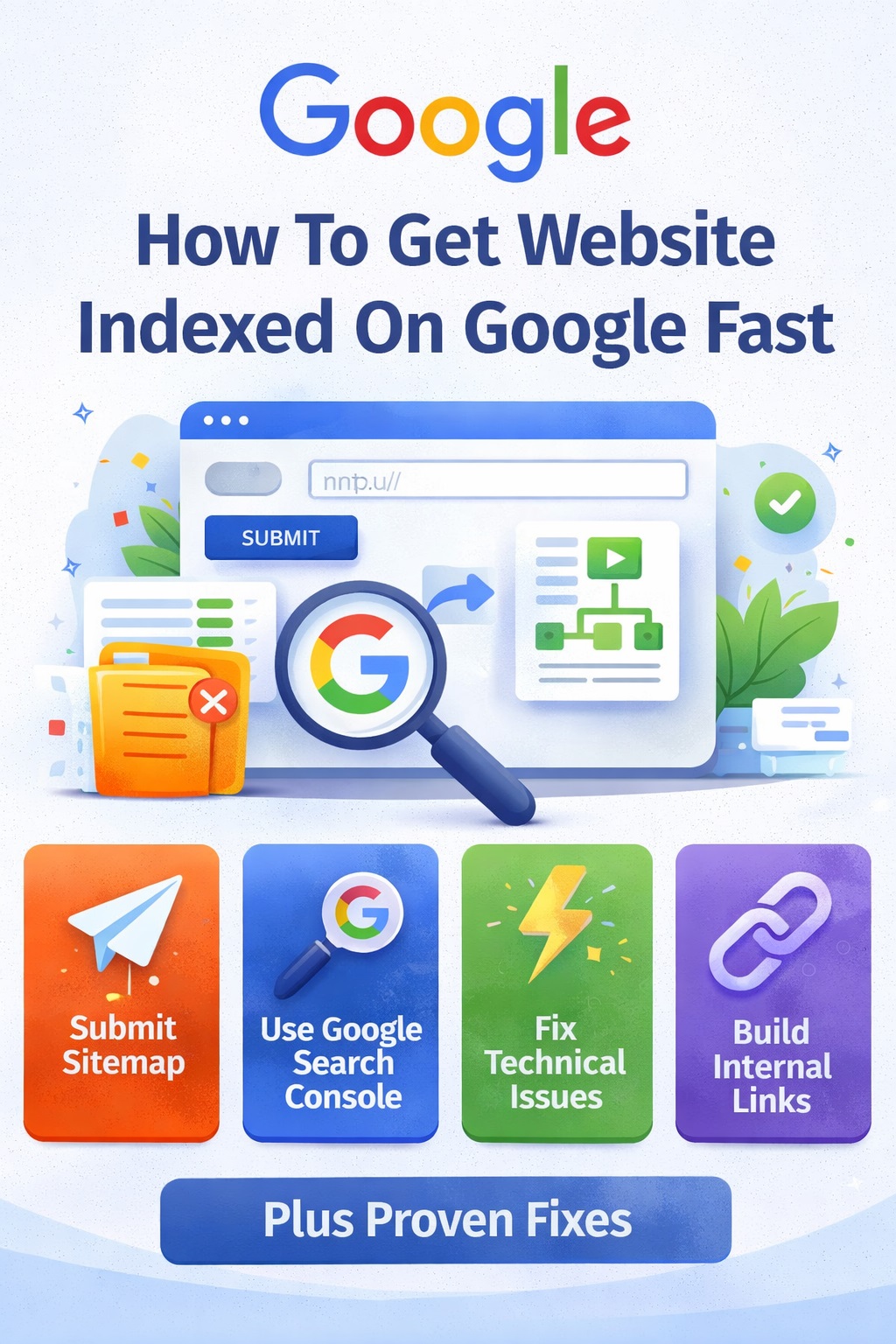
How to Get Your Website Indexed on Google Fast (Proven Methods)
Getting your website indexed on Google quickly is one of the biggest challenges for many site owners—especially after updates or indexing issues.
You may have:
- Published high-quality content
- Submitted URLs
- Waited for days or weeks
But still, your pages are not showing in search results.
The truth is, Google doesn’t index pages just because you ask it to. It indexes pages that it finds valuable, well-structured, and worth showing to users.
In this guide, you’ll learn practical methods to speed up indexing the right way.
Why Indexing Takes Time
Before jumping into solutions, it’s important to understand:
Google’s process includes:
- Discovering your page
- Crawling your page
- Evaluating content quality
- Deciding whether to index
If your page fails at step 3, it won’t be indexed quickly—or at all.
1. Use Google Search Console (The Right Way)
Submitting your page manually is the first step—but many people use it incorrectly.
How to Submit URL Properly
- Open Google Search Console
- Go to URL Inspection Tool
- Paste your page URL
- Click Request Indexing
Important Tips
- Submit only important pages
- Don’t submit 50 URLs at once
- Focus on high-quality content only
Submitting low-quality pages repeatedly can slow down trust.
Read More : Google indexing issues fix
When to Use It
Use this method when:
- You publish a new article
- You update an old page
- You fix indexing issues
2. Submit and Optimize Your Sitemap
A sitemap helps Google discover all your important pages.
What is a Sitemap?
It’s a file that lists your website URLs and tells Google:
- Which pages exist
- Which pages are important
How to Use It
- Create an XML sitemap
- Submit it in Search Console
- Keep it updated
Common Mistakes
- Including low-quality pages
- Adding deleted or broken URLs
- Not updating sitemap after changes
Read More : Why Google Is Not Indexing My Pages
You sitemap should only include valuable, index-worthy pages.
3. Strengthen Internal Linking (Highly Effective)
Internal linking is one of the fastest ways to improve indexing.
If your page has no links pointing to it, Google may:
- Discover it late
- Ignore it completely
How to Do It Properly
- Link new pages from existing indexed posts
- Add links from your homepage if possible
- Use relevant anchor text
Example Strategy
When you publish a new article:
- Add 2–3 internal links from older posts
- Link it to your main pillar page
- Include links inside related content
Why This Works
Internal links:
- Help Google discover pages faster
- Show importance and relevance
- Pass authority between pages
4. Publish Fresh, High-Quality Content
Google prefers active websites that regularly publish useful content.
What “Fresh Content” Means
Not just new posts—but:
- Updated information
- Relevant topics
- Improved existing pages
Read More : Crawled – Currently Not Indexed
Content Strategy That Works
- Focus on one niche
- Publish 2–3 quality articles per week
- Write in-depth content (1500+ words)
Update Old Content
Don’t ignore existing posts.
Update them by:
- Adding new sections
- Improving clarity
- Fixing outdated info
Updated pages often get re-crawled faster.
5. Make Your Content Worth Indexing
Even with all methods, if your content is weak, it won’t index.
Ask Yourself:
- Does this page solve a real problem?
- Is it better than what’s already ranking?
- Would users find it helpful?
Improve Content Quality
- Add real examples
- Use clear headings (H2, H3)
- Include FAQs
- Avoid generic writing
6. Avoid Common Mistakes
Many people slow down indexing without realizing it.
Don’t Do This:
Submitting URLs repeatedly
Publishing thin content
Ignoring internal linking
Creating duplicate articles
Covering too many unrelated topics
Step-by-Step Action Plan
If you want faster indexing, follow this:
Step 1:
Publish a high-quality article (1500+ words)
Step 2:
Submit URL via Search Console
Step 3:
Add internal links from 2–3 existing pages
Step 4:
Ensure it’s included in your sitemap
Step 5:
Wait and monitor (don’t spam requests)
How Fast Can Google Index Your Page?
If everything is done correctly:
- Within 24–48 hours (best case)
- 3–7 days (common)
- 2–4 weeks (if site trust is low)
Speed depends on your website authority and content quality.
Final Thoughts
Getting indexed fast is not about tricks—it’s about doing the basics correctly.
Focus on:
- High-quality content
- Strong internal linking
- Proper use of Search Console
- Clean sitemap structure
When your website sends the right signals, Google responds faster.
FAQs
Why is my page not indexing even after submission?
Because Google may not find it valuable enough.
Does sitemap guarantee indexing?
No, it only helps with discovery.
Author