


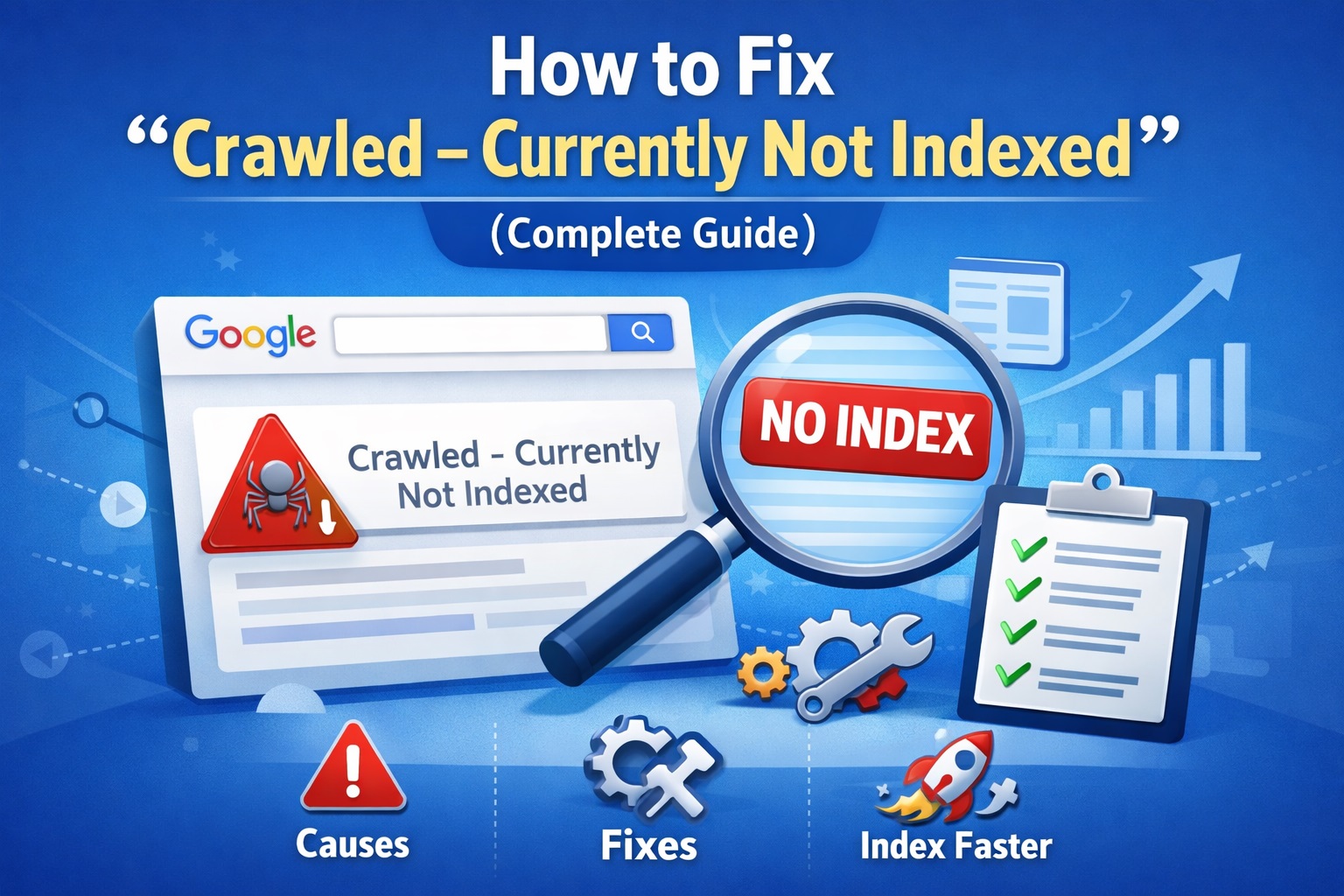
How to Fix “Crawled – Currently Not Indexed” (Complete Guide)
If you’ve checked your Google Search Console and seen the status “Crawled – currently not indexed,” you’re not alone.
This is one of the most common and confusing issues for website owners.
Your page is:
- Discovered by Google
- Crawled successfully
- But still not added to the index
In simple terms: Google visited your page but decided it’s not worth indexing right now.
Let’s break down why this happens and how to fix it properly.
Contents
- What “Crawled – Currently Not Indexed” Really Means
- Why This Happens
- Real Fixes That Actually Work
- 1. Improve Content Depth (Most Important Fix)
- What Good Content Looks Like
- How to Fix It
- 2. Add Internal Links (Very Powerful)
- Why Internal Links Matter
- How to Fix It
- Simple Rule
- 3. Remove Thin Pages (Clean Your Site)
- Why This Matters
- How to Fix It
- 4. Check Content Uniqueness
- Fix:
- 5. Be Careful with AI Content
- Fix:
- 6. Improve Overall Site Quality
- Fix:
- What You Should Do Step-by-Step
- How Long Does It Take to Fix?
- FAQs
- Author
What “Crawled – Currently Not Indexed” Really Means
This status does NOT mean there is a technical error.
Instead, it means:
- Google can access your page
- There are no blocking issues
- But the content didn’t meet quality or relevance expectations
So Google skips indexing it.
Why This Happens
Google has limited space in its index and prefers to include only high-value pages.
If your page looks:
- Weak
- Similar to other content
- Or not useful enough
It may be ignored, even after crawling.
Real Fixes That Actually Work
Let’s focus on practical solutions that improve your chances of indexing.
1. Improve Content Depth (Most Important Fix)
This is the biggest reason pages are not indexed.
If your article is:
- Too short
- Lacks useful information
- Doesn’t fully answer the topic
Google will skip it.
What Good Content Looks Like
A strong page should:
- Fully cover the topic
- Answer user questions clearly
- Provide real value
Example:
Instead of writing:
“SEO tips for beginners” with basic points,
Write:
- Detailed explanations
- Step-by-step methods
- Real examples or case insights
Read More : google indexing issues fix
How to Fix It
- Increase word count to 1500–2000+ words
- Add:
- Examples
- FAQs
- Clear headings
- Examples
- Make content more helpful than competitors
Ask yourself: Would I bookmark this page?
2. Add Internal Links (Very Powerful)
Internal linking is often ignored, but it plays a big role.
If your page has:
- No links pointing to it
- No connection to your site structure
Google may treat it as unimportant.
Why Internal Links Matter
They help Google:
- Discover pages faster
- Understand relationships between content
- Pass authority across your site
How to Fix It
- Link to the page from 2–3 existing articles
- Use relevant anchor text
- Add the page link to your main content (like pillar page)
Simple Rule
Every page should:
- Link to other pages
- Receive links from other pages
Read More : Why Google Is Not Indexing My Pages
3. Remove Thin Pages (Clean Your Site)
If your website has too many low-quality pages, it affects overall trust.
Examples of thin pages:
- 300–600 word articles
- Duplicate topics
- Old, outdated posts
These pages waste Google’s crawl resources.
Why This Matters
Google looks at your entire site quality, not just one page.
If many pages are weak:
- Good pages may also struggle to index
How to Fix It
- Delete useless pages
- Merge similar content into one strong article
- Update old content instead of keeping it thin
Focus on fewer, high-quality pages.
4. Check Content Uniqueness
If your content is too similar to:
- Other websites
- Your own existing posts
Google may ignore it.
Fix:
- Rewrite with your own perspective
- Add unique insights
- Avoid repeating the same topic multiple times
5. Be Careful with AI Content
If you’re using AI-generated content without editing:
- It may sound generic
- Lack depth
- Offer no unique value
Google may not index it.
Fix:
- Always edit AI content
- Add human insights
- Improve readability and usefulness
6. Improve Overall Site Quality
Sometimes the issue is not just one page — it’s the entire website.
If your site:
- Has too many guest posts
- Covers random niches
- Lacks authority
Google becomes selective.
Fix:
- Focus on one niche
- Build a content structure (pillar + clusters)
- Improve branding and trust signals
What You Should Do Step-by-Step
Here’s a simple action plan:
Step 1:
Find pages with “Crawled – currently not indexed”
Step 2:
Improve those pages:
- Add depth
- Fix structure
- Add value
Step 3:
Add internal links from other posts
Step 4:
Remove or improve thin content across your site
Step 5:
Wait and monitor (don’t resubmit repeatedly)
How Long Does It Take to Fix?
After improvements:
- 1–2 weeks → Google may revisit
- 2–4 weeks → Pages may get indexed
Be patient — quality takes time to be recognized.
Final Thoughts
“Crawled – currently not indexed” is not a penalty.
It’s a signal that:
Your content needs improvement.
Focus on:
- Better content
- Strong internal linking
- Cleaner website structure
Do this consistently, and your pages will start getting indexed.
FAQs
Is this a technical error?
No. It’s mostly a content quality issue.
Should I resubmit the URL multiple times?
No. Fix the content first, then wait.
Can new sites face this issue?
Yes, especially if content is weak or unstructured.
Author