

Google Indexing & Trust Recovery Guide (Step-by-Step 2026)
If your website pages are not indexing on Google or your traffic suddenly dropped, you’re not alone. Many website owners are facing this issue, especially after recent algorithm updates.
The good news? You can recover your website and regain Google’s trust — but only if you follow the right strategy.
This complete guide will help you understand:
- Why Google is not indexing your pages
- What causes loss of trust
- How to fix indexing issues step-by-step
- How to rebuild your site authority in 2026
Contents
- What is Google Indexing?
- Signs Your Website Lost Google Trust
- Why Google Stops Indexing Websites
- 1. Low-Quality Content
- 2. Too Many Guest Posts
- 3. Lack of Internal Linking
- 4. Duplicate or Similar Content
- 5. Technical Issues
- 6. Weak Site Authority
- Step-by-Step Google Indexing Fix (2026)
- Step 1: Content Audit (MOST IMPORTANT)
- Step 2: Create High-Quality Content
- Step 3: Fix Internal Linking
- Step 4: Improve Website Crawlability
- Step 5: Submit URLs Properly
- Step 6: Build Trust Signals
- Step 7: Update Old Content
- Content Quality Guidelines (Very Important)
- What Good Content Looks Like:
- What to Avoid:
- Internal Linking Strategy
- Technical SEO Checklist
- Final Recovery Checklist
- How Long Does Recovery Take?
- FAQs
- Author
What is Google Indexing?
Google indexing is the process where Google discovers, crawls, and stores your web pages in its database.
Only indexed pages can appear in search results.
If your pages are not indexed:
- You won’t get organic traffic
- Your content won’t rank
- Your website growth will stop
Signs Your Website Lost Google Trust
Before fixing the problem, you need to identify it.
Here are common signs:
1. Only Homepage is Indexed
This is exactly your case. Google ignores inner pages because it doesn’t trust them.
2. “Crawled – Currently Not Indexed”
Google visited your page but decided not to include it.
3. Sudden Traffic Drop
Your site traffic falls without warning.
4. New Content Not Indexing
Even after submitting URLs, pages don’t appear in search.
Why Google Stops Indexing Websites
Understanding the cause is the most important step.
1. Low-Quality Content
- Thin articles (500–800 words)
- No real value
- Rewritten or generic content
Google prefers helpful, original, and in-depth content.
2. Too Many Guest Posts
If your site has:
- Paid articles
- Unrelated topics
- SEO-focused posts only
Google may reduce trust.
Read More About : Crawled – Currently Not Indexed
3. Lack of Internal Linking
If pages are not connected:
- Google cannot discover them properly
- Crawl efficiency drops
4. Duplicate or Similar Content
Multiple pages with similar topics confuse Google.
5. Technical Issues
- Broken sitemap
- Wrong robots.txt
- Noindex tags
6. Weak Site Authority
If your site looks like:
- No real brand
- No author identity
- No trust signals
Google becomes cautious.
Read More : Why My Website Traffic Dropped Suddenly
Step-by-Step Google Indexing Fix (2026)
Now let’s fix your website properly.
Step 1: Content Audit (MOST IMPORTANT)
Go through your website and:
Remove:
- Thin content
- Duplicate articles
- Low-quality guest posts
Improve:
- Top 20–30 articles
- Add depth, examples, structure
Focus on quality over quantity.
Read More : How To Get Website Indexed On Google Fast
Step 2: Create High-Quality Content
Every new article should:
- Be 1500–2500 words
- Solve a real problem
- Include headings, images, FAQs
Avoid pure AI content — always edit and improve.
Step 3: Fix Internal Linking
Internal links help Google understand your site.
Do this:
- Link every article to 2–3 related posts
- Link all articles to your pillar page
- Add links from homepage
Step 4: Improve Website Crawlability
Make it easy for Google to access your site.
Check:
- XML sitemap (updated and submitted)
- Robots.txt (no important pages blocked)
- Clean URL structure
Step 5: Submit URLs Properly
Use Google Search Console wisely:
- Submit only important pages
- Avoid submitting too many URLs daily
- Focus on high-quality pages
Step 6: Build Trust Signals
Google wants real websites.
Add:
- Author profiles
- About page
- Contact page
- Privacy policy
This improves credibility.
Step 7: Update Old Content
Don’t just create new posts.
Update old posts by:
- Adding new information
- Improving readability
- Fixing outdated data
Content Quality Guidelines (Very Important)
To regain trust, your content must follow:
E-E-A-T Principle:
- Experience
- Expertise
- Authority
- Trust
What Good Content Looks Like:
Clear and helpful
Well-structured
Original insights
Real examples
What to Avoid:
Keyword stuffing
AI spam content
Clickbait titles
Irrelevant topics
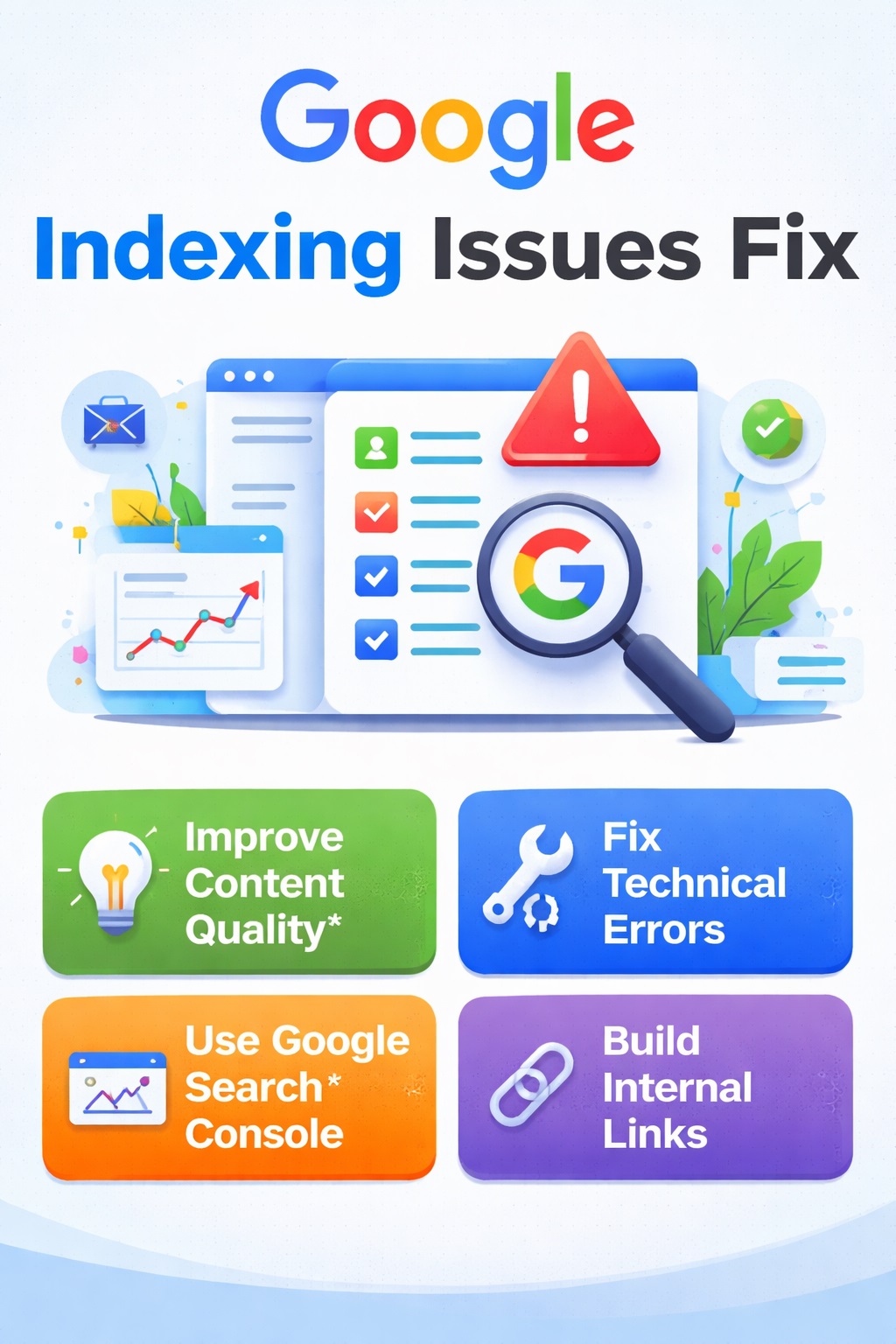
Read More : Google Indexing Issues Fix 2026
Internal Linking Strategy
This is where most websites fail.
Your structure should look like:
- 1 Pillar Page (this guide)
- 8 Supporting Articles
Each article should:
- Link to pillar page
- Link to 2–3 related articles
This builds a strong SEO structure.
Technical SEO Checklist
Make sure everything is correct:
- Sitemap submitted
- No broken links
- Fast loading speed
- Mobile-friendly design
Final Recovery Checklist
- Before expecting results, confirm:
- Removed low-quality content
- Improved top articles
- Added internal links
- Submitted sitemap
- Built trust pages
- Published helpful content
How Long Does Recovery Take?
Recovery is not instant.
Timeline:
- 1–2 weeks: Google starts crawling
- 2–4 weeks: Pages begin indexing
- 1–2 months: Traffic improves
Consistency is key.
Final Thoughts
Google indexing issues are frustrating, but they are fixable.
If your site is only indexing the homepage, it means:
Google doesn’t trust your content yet.
To fix this:
- Focus on quality
- Build authority
- Stay consistent
Avoid shortcuts, and your site will recover stronger than before.
FAQs
Why is Google only indexing my homepage?
Because your inner pages may have low quality, poor linking, or low trust.
How can I get my pages indexed faster?
Improve content quality, add internal links, and submit URLs properly.
Can I recover from Google updates?
Yes, by improving content and removing low-value pages.
Should I delete old content?
Yes, if it’s low quality or not useful.
Author