


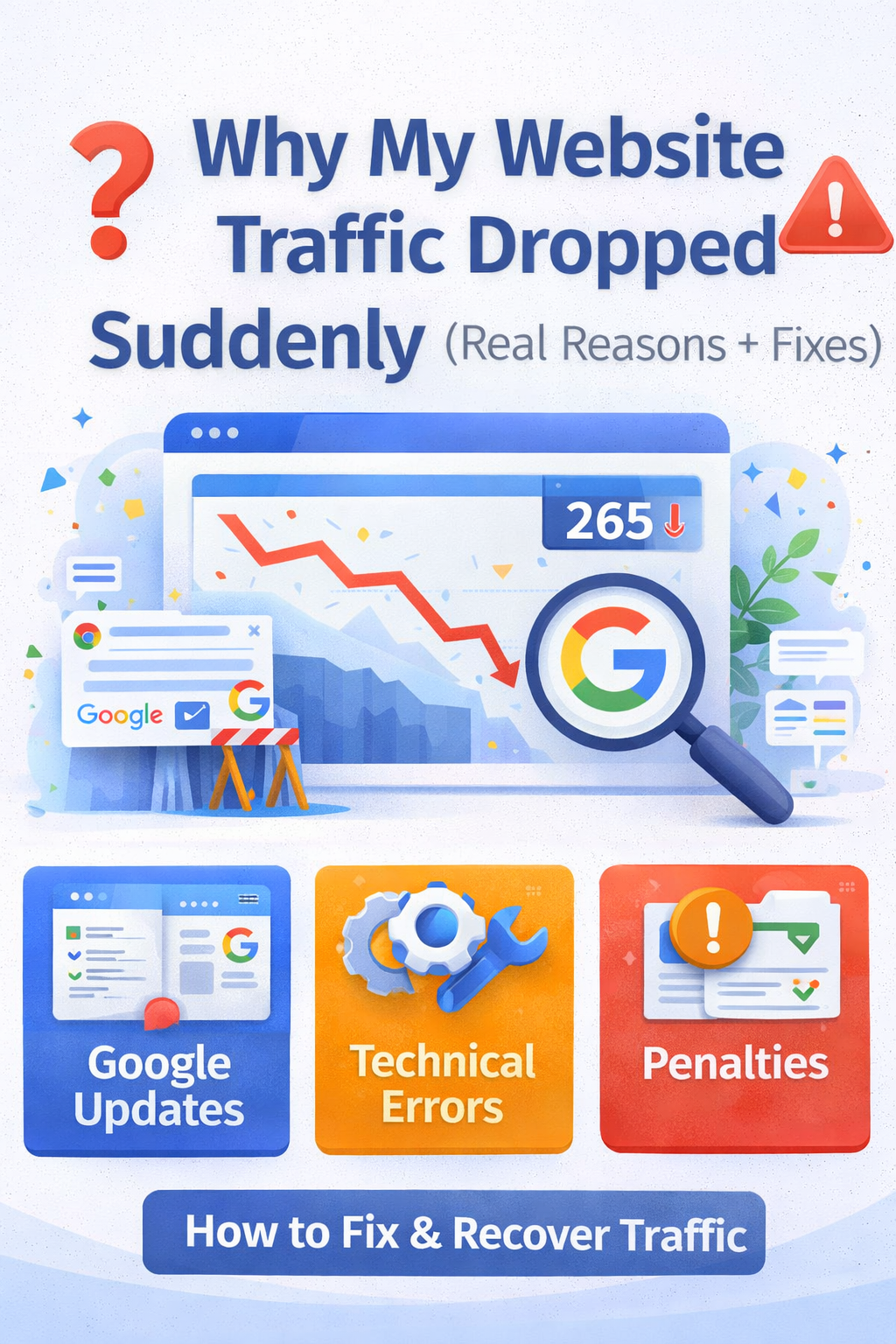
Why My Website Traffic Dropped Suddenly (Real Reasons + Fixes)
A sudden drop in website traffic can feel alarming—especially if your site was performing well before.
One day everything looks normal, and the next:
- Traffic falls sharply
- Rankings disappear
- Pages stop getting clicks
If this happened to you, don’t panic. In most cases, there’s a clear reason behind it—and it can be fixed.
In this guide, we’ll break down the real causes of sudden traffic drops and what you should do to recover.
Contents
- First: Confirm the Traffic Drop
- 1. Google Algorithm Updates (Most Common Reason)
- What Are Algorithm Updates?
- How They Affect Your Site
- Signs It’s an Algorithm Update
- How to Fix It
- 2. Manual Penalty vs Algorithm Hit
- What is a Manual Penalty?
- How to Check
- What is an Algorithm Hit?
- Key Difference
- How to Fix
- 3. Technical Errors (Often Overlooked)
- Common Technical Problems
- What Happens
- How to Fix It
- 4. Content Quality Decline
- Why This Happens
- Fix
- 5. Loss of Backlinks
- Fix
- What You Should Do Immediately
- Step 1: Identify the Cause
- Step 2: Audit Your Content
- Step 3: Check Technical Health
- Step 4: Strengthen Your Website
- How Long Does Recovery Take?
- FAQs
- Author
First: Confirm the Traffic Drop
Before assuming the worst, make sure the drop is real.
Check your analytics and look for:
- Exact date of the drop
- Which pages are affected
- Whether it’s site-wide or specific pages
This helps you identify the root cause faster.
Read More : Google indexing issues fix
1. Google Algorithm Updates (Most Common Reason)
One of the biggest reasons for sudden traffic drops is a Google algorithm update.
What Are Algorithm Updates?
Google regularly updates how it ranks websites. These updates can:
- Improve search quality
- Remove low-quality content
- Promote helpful, relevant pages
How They Affect Your Site
If your content doesn’t meet new standards:
- Rankings may drop
- Pages may lose visibility
- Traffic can decline overnight
Signs It’s an Algorithm Update
- Traffic dropped on a specific date
- Many pages lost rankings
- No technical errors found
How to Fix It
- Improve content quality
- Remove thin or outdated pages
- Focus on helpful, user-first content
Don’t try quick fixes—focus on long-term improvements.
Read More : Why Google Is Not Indexing My Pages
2. Manual Penalty vs Algorithm Hit
Many people confuse these two, but they are very different.
What is a Manual Penalty?
A manual penalty happens when Google’s team reviews your site and finds violations.
Common reasons:
- Spammy backlinks
- Paid links
- Thin or copied content
Read more : How to Get Your Website Indexed on Google Fast
How to Check
Go to your search console and look for Manual Actions.
If there’s a penalty, you’ll see a clear message.
Read More : Crawled – Currently Not Indexed
What is an Algorithm Hit?
This is automatic. No message is sent.
Google’s system reduces your rankings based on:
- Content quality
- User value
- Trust signals
Key Difference
- Manual penalty → You are notified
- Algorithm hit → No notification
Read More : Google Indexing Issues Fix 2026
How to Fix
For Manual Penalty:
- Fix the issue (remove bad links, improve content)
- Submit a reconsideration request
For Algorithm Hit:
- Improve overall site quality
- Update and optimize content
- Build trust over time
3. Technical Errors (Often Overlooked)
Sometimes the issue is not content—it’s technical.
Even small errors can cause big traffic drops.
Common Technical Problems
- Pages set to “noindex”
- Robots.txt blocking important pages
- Broken sitemap
- Server downtime
- Slow website speed
What Happens
If Google cannot properly access your site:
- Pages may be removed from index
- Rankings may drop
- Traffic decreases
How to Fix It
- Check your robots.txt file
- Ensure important pages are indexable
- Fix broken links
- Improve site speed
Always do a technical audit when traffic drops.
4. Content Quality Decline
If your content becomes outdated or less useful compared to competitors, traffic may drop.
Why This Happens
Other websites:
- Publish better content
- Update regularly
- Provide more value
Google replaces your pages with better ones.
Fix
- Update old articles
- Add new information
- Improve readability and structure
5. Loss of Backlinks
If your site loses important backlinks:
- Authority drops
- Rankings decrease
Fix
- Monitor backlinks
- Build new, quality links
- Avoid spammy link practices
What You Should Do Immediately
If your traffic dropped suddenly, follow this plan:
Step 1: Identify the Cause
- Check the drop date
- Compare with algorithm updates
- Look for technical errors
Step 2: Audit Your Content
- Remove low-quality pages
- Improve important articles
- Focus on user value
Step 3: Check Technical Health
- Ensure pages are indexable
- Fix crawl errors
- Update sitemap
Step 4: Strengthen Your Website
- Improve internal linking
- Build topical authority
- Stay consistent with content
How Long Does Recovery Take?
Recovery depends on the issue:
- Technical fixes → a few days
- Content improvements → 2–4 weeks
- Algorithm recovery → 1–3 months
Patience and consistency are key.
Final Thoughts
A sudden traffic drop is not the end—it’s a signal.
It means something changed:
- Google updated its system
- Your site has technical issues
- Your content needs improvement
Instead of looking for shortcuts, focus on:
- Quality content
- Clean website structure
- Long-term trust building
That’s how you recover and grow stronger.
FAQs
Can traffic recover after a drop?
Yes, if you identify the cause and fix it properly.
How do I know if it’s an algorithm update?
Check if the drop matches known update dates and no manual penalty exists.
Should I delete low-quality content?
Yes, it can improve overall site quality and help recovery.
Author